Government PDF Libraries Are Search Dead Ends: Convert High-Value PDFs into Accessible WordPress Content
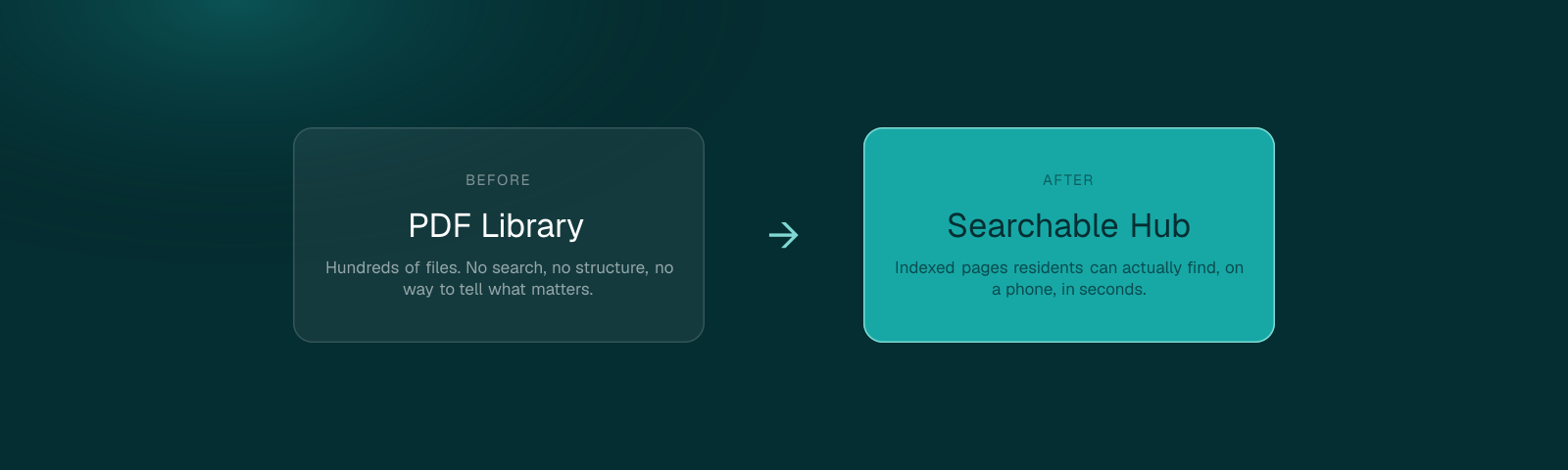
A resident types "how do I apply for a permit" into your site search and gets a PDF titled scan003.pdf. They didn't fail to find the information. The information failed to be findable.
Most government sites didn't set out to build a document graveyard. It happened one upload at a time, a meeting packet here, a scanned form there, over a decade, until the PDF library became the largest, least organized, least accessible part of the entire site. Converting all of it isn't realistic. Converting the right fraction of it is.
1Why PDFs Underperform as Public-Service Web Content
Search engines can index PDF text, but they can't parse a PDF's structure the way they parse HTML headings, so a PDF almost never ranks as well as a properly structured page covering the same topic. A resident searching Google for a service your agency offers is statistically more likely to land on a well-structured competitor page, or a third-party aggregator site, than on your own PDF, even when your PDF has the most accurate information available.
Internal site search does worse. Most government CMS search tools index a PDF's filename and raw text, with no title, no description, no heading weight to signal what the document is actually about. That's how a resident ends up staring at a search result labeled "Doc47_v3_FINAL.pdf" and has no way to know whether it's the right document without opening it.
2Which PDFs Should Become Web Pages First
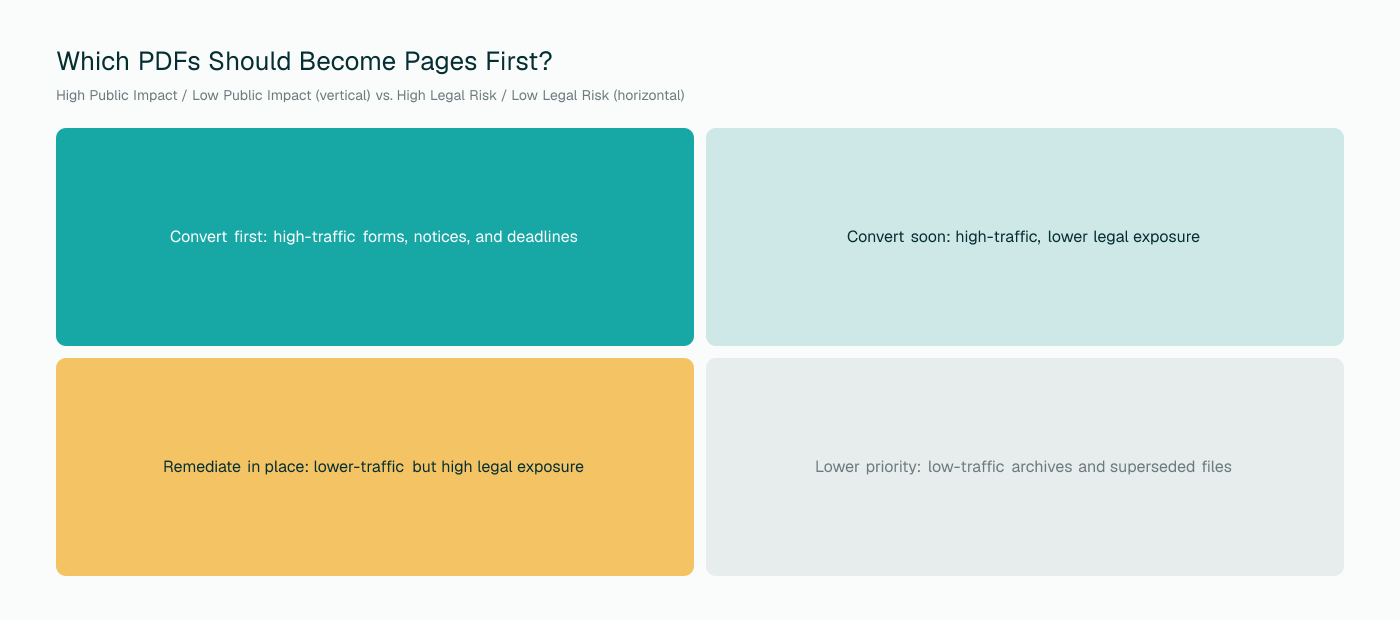
Not every document in the library deserves the same attention. A handful of high-traffic, high-impact documents are usually doing most of the damage, while a long tail of rarely-viewed archive material sits quietly, low priority by definition. Finding that handful is the entire strategic exercise, and it's a smaller job than it sounds, because most agencies already have the data to do it.
3Prioritization Signals That Actually Predict Risk
Traffic
Pull outbound PDF click data from analytics if it exists. The documents residents open most are the documents an accessibility gap affects most.
Service impact
Does this document gate access to something, a permit, a benefit, an appeal process? A form standing between a resident and a service carries more weight than a reference document.
Form use
Any PDF with fillable fields is a form, and forms carry their own, separate accessibility risk beyond reading order, covered in our piece on fillable form compliance.
Deadlines and legal notices
A document tied to a filing deadline or legal notice period creates real consequences if a resident with a disability can't access it in time.
Public meetings
Agendas and packets get cited specifically in open-meetings and transparency complaints, separate from general accessibility exposure.
4How HTML Pages Improve Accessibility, Mobile Experience, and Search Visibility Together
This is the part worth saying plainly: the same structural work that makes a page accessible, real headings, real labels, clean semantic markup, is also what makes it rank better in search and read better on a phone. There's no tradeoff between the three. An agency fixing accessibility gets the SEO and mobile benefit for free, and an agency chasing search rankings gets the accessibility benefit for free. Most teams only budget for one of these outcomes and are surprised when the others show up anyway.
That overlap matters for making the budget case internally. A conversion project framed purely as "accessibility compliance" competes for a narrow pool of funding. The same project framed as "improving how residents find services" competes for a much larger one, and it's not a stretch, it's the same project.
5Keeping Original PDFs as Optional Downloads
Conversion doesn't mean deletion. The highest-value documents typically stay available as a downloadable PDF from the new page, for residents who want a printable or offline copy, or for records purposes. What changes is which version is the primary, indexed, linked-from-everywhere copy. The web page takes that role. The PDF becomes a clearly labeled secondary option, which also means it needs its own baseline tagging, since it's still reachable directly.
6Using Conversion to Reduce the PDF Remediation Backlog
Every PDF converted into a page is one fewer document sitting in a remediation backlog. That reframes conversion as a backlog-reduction strategy, not a separate project competing with remediation for the same hours. A team facing thousands of untagged PDFs ahead of a Title II deadline can realistically convert its top fifty highest-traffic documents into pages faster than it can tag all fifty individually, while getting a better end result for the residents who actually read them.
7How to Measure Whether It Worked
8A 30-Day Pilot for One Department
Pick one department with a manageable PDF footprint, often permitting, parks and recreation, or a single benefits program. Inventory its top ten documents by traffic, convert them using the prioritization signals above, and measure the metrics for thirty days against the same window a year prior. A pilot this size is small enough to finish without a major budget request and concrete enough to make the case for scaling to the rest of the site, with real numbers instead of a prediction.
Final Takeaway
A PDF library this size doesn't get fixed by converting everything at once. It gets fixed by finding the twenty-five documents actually carrying the traffic and the risk, and treating those as a different problem than the other nine hundred. For the full remediation picture beyond conversion, see our complete 2027 PDF remediation playbook.
Find your top 25 before you start
A free scan surfaces your highest-traffic, highest-risk PDFs so the conversion project starts with the documents that actually matter.
Run a Free PDF Audit